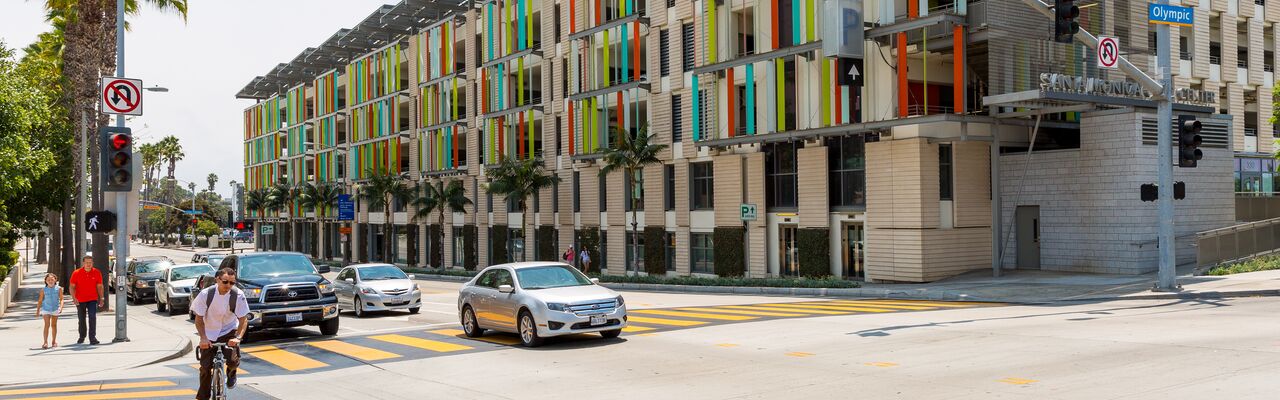
Downtown Parking   details
Structure 1 - 1234 4th St.
Structure 2 - 1235 2nd St.
Van accessible -
Enter through alley.
Structure 3 - 1320 4th St.
Structure 4 - 1321 2nd St.
Van accessible -
Enter through alley.
Structure 5 - 1440 4th St.
Van accessible -
Enter through alley.
Structure 6 - 1431 2nd St.
Structure 7 - Corner of 4th St. & Broadway
Structure 8 - Corner of 2nd St. & Colorado Ave.
Structure 9 - 1136 4th St.
Van accessible
Structure 10 - 1125 Third St.
Library Parking Structure - 601 Santa Monica Blvd.
Van accessible
Civic Lot - North of Pico Blvd. between Main St. & 4th St.
Van accessible
Civic Center Parking Structure - 333 Civic Center Dr. at 4th St.
Van accessible
Bicycle racks available in Structures 1-6
Main Street Parking   details
Lot 9 - 110 Hill St.
Lot 10 - 111 Hill St.
Lot 11 - 170 Hollister Ave.
Lot 26 - 150 Strand St.
Mid-City Parking   details
Lot 7 - 1217 Euclid St.
Lot 8 - 1146 16th St.
Lot 12 - 1211 14th St.
TIP: For best weekend beach parking
North Beach Parking   details
Lot 10 North - 445 Pacific Coast Hwy.
Lot 9 North - 530 Pacific Coast Hwy.
Lot 8 North - 810 Pacific Coast Hwy.
Lot 7 North - 930 Pacific Coast Hwy.
Lot 6 North - 950 Pacific Coast Hwy.
Lot 5A North - 1018 Pacific Coast Hwy.
Lot 5 North - 1030 Pacific Coast Hwy.
Lot 4 North - 1060 Pacific Coast Hwy.
Central Beach & Pier Parking   details
Lot 3 North - 1150 Pacific Coast Hwy.
Lot 1 North - 1550 Pacific Coast Hwy.
Pier Deck - West end of Colorado Ave. on the Pier
Lot 1 South - 1640 Appian Way
Lot 2 South - 1670 Appian Way
Lot 3 South - 1750 Appian Way
South Beach Parking   details
Lot 4 South - 2030 Ocean Ave.
Lot 5 South - 2600 Barnard Way

For additional parking information, contact the City's Parking Office at:
429 Santa Monica Blvd., #350
Santa Monica, CA 90401
(310) 458-8295

Download parking information:

Parking Brochure with Map PDF

Parking Map Only PDF

You will need the free Adobe Acrobat Reader to view or print PDF files.

For best printing results directly from our website, we offer these tips:
• Make sure your browser is set on "Fit to Page if Possible" in Page Setup (Netscape) or "Shrink to Fit" in Print Preview (Explorer).
• If you wish to print without any size reduction, set your page to print wide, or "landscape" orientation, also in Page Setup.
• Overall, we have fewer problems printing from Explorer. If you are having problems with Netscape, you might want to try switching browsers.

Need Help?
If you're having problems with this site, please send an email to transportation.management@smgov.net.

   Visitors Center | Residents Center